



























If your phone feels like it’s running your day—and your mood—digital minimalism offers a calmer way to live. In plain terms, digital minimalism is a philosophy of using fewer, better digital tools, on purpose, to support a life you actually want. It prioritizes intention over impulse, value over volume, and depth over dopamine. This guide turns that philosophy into 12 practical, evidence-informed principles you can implement without quitting technology. Quick note: this article is for education, not medical, legal, or financial advice.
Quick start (5 minutes): 1) Identify your top 3 “must have” apps and remove everything else from your home screen. 2) Turn off non-human notifications. 3) Set one hour of Do Not Disturb daily for deep work. 4) Charge your phone outside the bedroom.
1. Define Your Why and Set a Baseline
Start by deciding what a lighter, saner digital life makes possible for you—better sleep, more time with family, deeper work, or training for a 10K. Then measure your starting point so you can see progress. Your why keeps you anchored; your baseline keeps you honest. Most people underestimate usage; tracking turns guesswork into decisions. Establish which digital activities create value (navigation, camera, banking) and which are just noise (compulsive feeds, endless tabs). When your tools serve defined values, saying “no” to the rest gets easier and guilt-free.
1.1 How to do it
- Write 3 outcomes you want in the next 90 days (e.g., “read 6 books,” “sleep 7–8 hours,” “ship a portfolio site”).
- Baseline one week using built-ins: Apple Screen Time or Android Digital Wellbeing. Note daily pickups, most-used apps, and late-night sessions.
- Identify your top value apps (work, maps, camera, finance) and your top distraction apps (infinite-scroll, short-video, alerts).
- Pick two metrics to track weekly: total phone hours/day and notifications/day.
1.2 Mini-checklist
- Written “why” visible at your desk
- 7-day usage snapshot saved
- Two metrics chosen and logged
Synthesis: When you can see what matters and what’s measurable, every other principle becomes simpler and more sustainable.
2. Run a 30-Day Digital Declutter
A 30-day declutter clears optional technologies so you can reintroduce only what earns its keep. The goal isn’t digital asceticism; it’s clarity. For a month, remove or mute non-essential social apps, auto-playing feeds, and novelty platforms. Keep essential tools (maps, authenticator, banking). Expect withdrawal in week one, boredom in week two (good!), and meaningful alternatives by week three. At the end, reintroduce only what supports your values, with usage caps and guardrails.
2.1 How to do it
- Remove optional apps (you can still use services via desktop if needed).
- Replace the habit loop: pre-plan analog or high-value substitutes (walks, books, long-form courses, calls with friends).
- Reintroduce with rules: If an app returns, specify when, how long, and why.
2.2 Tools/Examples
- Built-ins: Focus mode, App Timers, Bedtime mode (Android); App Limits, Downtime (iOS/macOS). As of August 2025, both platforms support scheduled focus modes and per-app timers. Android
Synthesis: A time-boxed reset reveals which digital habits add value—and which were just momentum.
3. Tame Notifications (Your Attention’s Tax Collector)
Aggressively pruning notifications is the fastest route to calm. Default-on alerts convert your phone into a pager; default-off returns it to a tool. Keep messages from real people and mission-critical services; disable marketing pings, “suggested posts,” and “someone you might know.” Batch the rest into scheduled summaries. This reduces context switching, which research links with higher stress and fractured focus, even when output looks similar.
3.1 Steps
- Turn everything off, then add back only: calls from favorites, calendar reminders, two-factor prompts, and direct messages from key contacts.
- Use schedules: Set Notification Summary (iOS) or Notification categories & schedules (Android) to deliver non-urgent alerts at two times daily.
- Silence by default: Keep Do Not Disturb/Focus on during deep work blocks; allow VIP overrides.
3.2 Numbers & guardrails
- Target <50 notifications/day and ≤2 delivery windows.
- Phone on silent 24/7; ringer only for truly urgent callers.
Synthesis: Fewer pings buy back hours of attention without touching your core tools.
4. Redesign Your Home Screen and Physical Environment
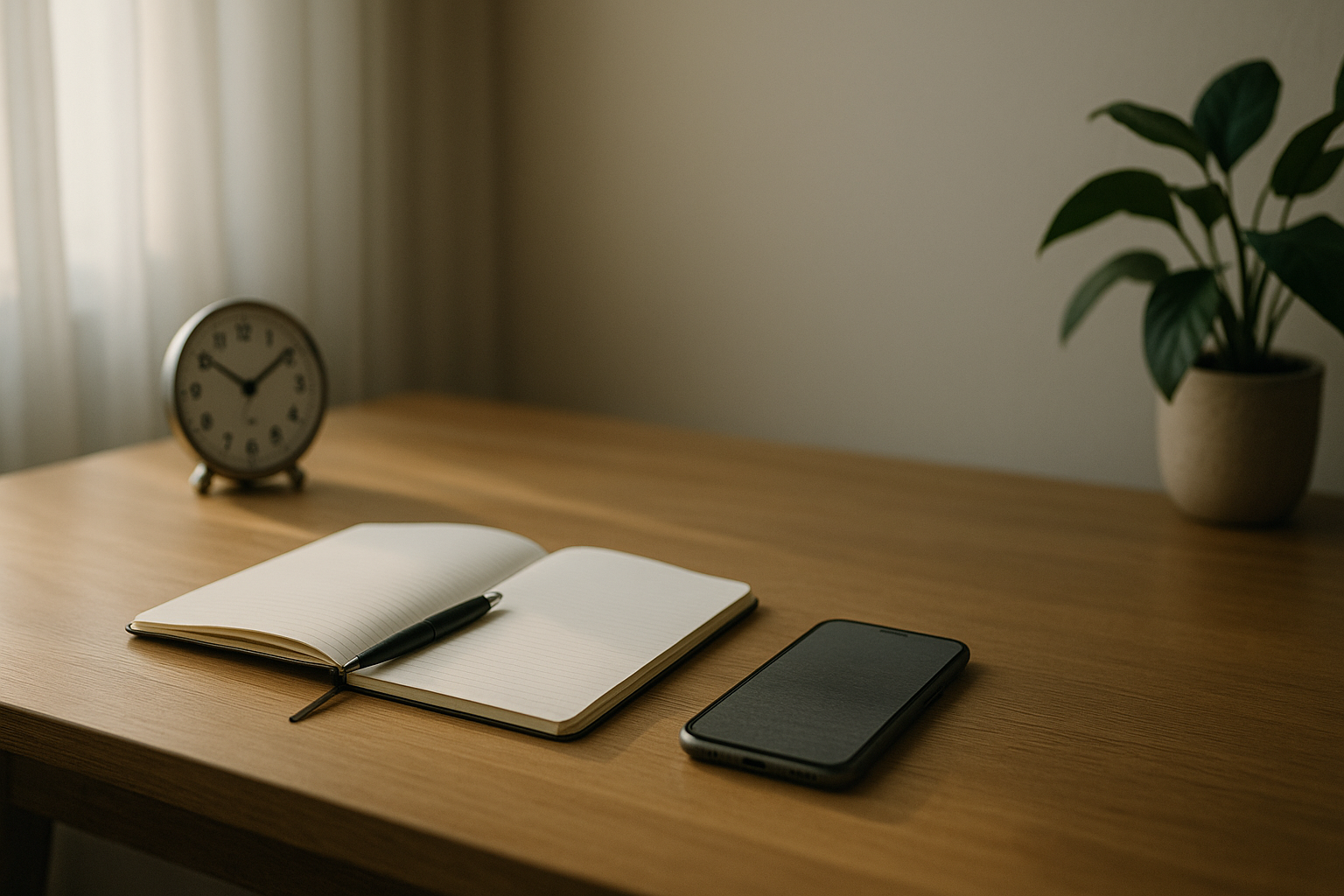
Your environment should make the right choice obvious. Move all infinite-scroll apps off the home screen; leave only tools that start purposeful actions (camera, notes, calendar). Use grayscale during work hours, turn off badge counts, and place the phone outside your reach when working or dining. Add friction: require a search gesture to open any optional app. Pair this with a physical setup—an analog clock, notepad, and a charging station outside the bedroom—to reduce mindless pickups.
4.1 Mini-checklist
- Single home screen; no badge counts
- Dock: 4 tools only (e.g., Phone, Messages, Calendar, Camera)
- Grayscale during focus blocks; color only for photography/art
- Phone stand across the room; notifications off
4.2 Why it works
- Friction interrupts autopilot; even a 2-second search bar pause is enough to ask, “Why now?”
- Availability drives behavior: out of sight, out of mind—especially for micro-urges.
- Context reduces switching, cutting stress from interruptions.
Synthesis: Design beats discipline; shape your defaults and your habits follow.
5. Schedule Focus, Not Just Tasks
Task lists without protected attention time invite distraction. Time-box your day with dedicated focus blocks and recovery breaks. Use platform features to enforce boundaries: Focus Mode (Android) pauses chosen apps; iOS/macOS Focus and App Limits lock down categories during work or study. Automate it: set recurring schedules tied to your calendar so your phone cooperates with your plan, not your impulses.
5.1 How to set it up
- Create two recurring 90–120 minute focus blocks/day, with a 10–15 minute break between.
- Map a Focus/Do Not Disturb mode to each block: only allow calls from favorites and work apps needed for the task.
- Add a 30–60 minute Admin Window for email/messages to avoid all-day drip.
5.2 Platform notes (as of Aug 2025)
- Android Digital Wellbeing: Focus mode, app timers, Bedtime mode; schedule by day/time.
- Apple Screen Time/Focus: App Limits per app/category, Downtime, Focus by schedule/location. Google Play
Synthesis: When focus time is on the calendar—and enforced—your to-do list becomes a done list.
6. Make Sleep a Protected Asset
Better sleep multiplies the benefits of digital minimalism. Evening screen use can suppress melatonin and delay sleep for many people; organizations still advise limiting electronics before bed, even as research nuances individual differences. Use Bedtime mode, keep devices out of the bedroom, and build a wind-down routine. If you must read, prefer e-ink or a paper book. Pair this with consistent wake times and low light in the evening.
6.1 Numbers & guardrails
- Aim for 7–9 hours for most adults; avoid electronics ~30–60 minutes before bed when possible.
- Enforce Bedtime mode nightly; charge your phone outside the bedroom. AASM
6.2 Tools/Examples
- Android Bedtime mode and iOS Sleep Focus automate dim displays, grayscale, and silenced alerts.
- If you need an alarm, buy a $10 analog alarm clock and keep the phone in another room.
Synthesis: Protect sleep first; everything else—focus, mood, willpower—gets easier. (For nuance that some low-arousal evening screen use may not impair sleep equally, see emerging coverage and tailor to your body.)
7. Use Social Media on Your Terms
Keep social media purpose-built: define why you use it (e.g., follow 50 creators, maintain 10 close ties), then set where, when, and how much. Consider deleting the app and using the web version with a timer, capping total time to a specific daily budget. Mute most accounts and prioritize real relationships. For creators, batch content production and schedule posts offline.
7.1 How to do it
- Web-only: remove apps; access via browser with a 15–30 minute timer.
- Follow caps: trim to a curated list (e.g., 50 accounts).
- Post windows: two 10-minute sessions/day max; no doomscrolling.
7.2 Tools
- Built-in app limits (iOS/Android) plus site blockers (Freedom, Cold Turkey, Focus for Mac). Built-ins cover most needs; third-party tools add cross-platform blocking if you need stronger friction.
Synthesis: Define the value, cap the exposure, and your feed stops overrunning your life.
8. Batch Communication and Reclaim Your Inbox
Constantly checking messages trains your brain to expect interruption. Batching—responding at set times—keeps you responsive without being reactive. Start with two response windows daily for email and one for chat. Use filters, rules, and templates to reduce cognitive load. Communicate your norms: let teammates and family know when you’re reachable and how to escalate emergencies.
8.1 Mini-checklist
- Two email windows on the calendar (e.g., 11:30 and 16:30)
- One chat catch-up window (e.g., 15:00)
- VIP exceptions documented (who gets through and how)
8.2 Why it matters
- Research on interruptions shows increased stress and time pressure even when output seems unaffected, and that’s too high a price to pay repeatedly throughout the day.
Synthesis: Fewer switches, fewer fires—more work that matters.
9. Strengthen Privacy, Security, and Data Hygiene
Clutter isn’t only screens and feeds—it’s also data sprawl. Fewer accounts and cleaner permissions reduce cognitive load and real-world risk. Delete dormant apps (and their accounts), disable unnecessary permissions, turn on two-factor authentication (2FA), and use a password manager. Review “Sign in with…” connections and revoke unused access. Privacy defaults aren’t set for your well-being; you have to tune them.
9.1 Steps
- Delete & close: remove unused apps and close their online accounts via settings/help pages.
- Audit permissions: location, camera, microphone—set to “While Using” or “Ask.”
- Lock it down: Use 2FA everywhere; store unique passwords in 1Password or Bitwarden.
- Inbox hygiene: Unsubscribe from low-value newsletters; set auto-filters.
9.2 Numbers & guardrails
- Quarterly privacy audit; monthly inbox zero sweep (filters > manual triage).
Synthesis: Minimal data and strong defaults mean fewer pop-ups, fewer leaks, and fewer decisions.
10. Curate an Intentional Information Diet
Replace the “infinite” with the finite: newsletters you actually read, podcasts with a purpose, and RSS feeds curated to your goals. Treat content like calories—nourish, don’t graze. Schedule consumption windows and use Read-Later tools to avoid impulsive clicks. Prefer long-form over “hot takes”; your brain will thank you.
10.1 Tools/Examples
- RSS/Read-Later: Feedbin, Inoreader, Readwise Reader, Pocket.
- Weekly digest: consolidate newsletters to one delivery (Friday PM).
- Rule of three: before subscribing, list three tangible reasons it helps your goals.
10.2 Numbers & guardrails
- Cap news checks to 2/day; long-form reading 30–60 min/day.
- Review subscriptions monthly; unsubscribe ruthlessly.
Synthesis: A deliberate menu crowds out junk information by design.
11. Move Your Body and Go Analog (Counteract Sedentary Screen Time)
Screens tend to displace movement and real-world hobbies. Balance them with WHO-aligned activity and tactile, absorbing practices—cooking, drawing, woodworking, gardening, playing an instrument. Physical activity improves mood and sleep, while analog hobbies scratch the “novelty” itch without the algorithm. As of the WHO’s 2020 guidelines, most adults should target 150–300 minutes of moderate or 75–150 minutes of vigorous activity weekly (or a combination), plus 2+ days of muscle-strengthening.
11.1 Region-friendly ideas
- Short on time? Try 3×30 minutes brisk walks/week plus weekend hiking.
- Hot climate? Aim for indoor strength sessions and dusk/dawn walks.
- Busy parents? “Micro-workouts” (5–10 min) during breaks, plus weekend active play.
11.2 Mini-checklist
- Weekly movement plan on the calendar
- One analog hobby picked and prepped
- Phone-free zone during hobby time
Synthesis: Move more, touch real materials, and your screen cravings mellow on their own.
12. Build Rituals and a Relapse Plan
Minimalism isn’t a one-time purge; it’s maintenance. Create light, repeatable rituals that keep your system clean and your intentions clear. Expect relapses when stressed or traveling; plan for them. A weekly reset catches clutter before it blooms, and a monthly review realigns your tools with your goals. If evenings are your danger zone, renew Bedtime/Sleep Focus and refresh your wind-down routine.
12.1 Mini-rituals
- Daily: 60–90 minute focus block; one inbox/chat batch; device on charger outside bedroom.
- Weekly: 20-minute app/newsletter review; clear home screen; check limits and schedules.
- Monthly: Revisit your “why”; update allowlists; recommit to two metrics.
12.2 Evidence & guardrails
- Sleep and attention habits compound; organizations continue to recommend limiting electronics before bed and protecting consistent sleep schedules. Combine that with scheduled focus modes and your relapse windows narrow.
Synthesis: Routines make minimalism durable; a relapse plan makes it human.
FAQs
1) What exactly is digital minimalism?
It’s a philosophy of using fewer, better digital tools with clear intentions. Instead of optimizing every app, you optimize your life and let tech take a supporting role. You define your values, remove optional noise, and then reintroduce only tools that demonstrably help, with limits and schedules to keep them in bounds.
2) How is this different from a “digital detox”?
A detox is a temporary break; digital minimalism is a sustainable operating system. You may use a 30-day declutter to reset, but afterward you deliberately rebuild: fewer apps, tighter notifications, scheduled focus, and a maintenance ritual so gains last. Evidence suggests structured disengagement periods can reduce anxiety and depression for some groups; minimalism makes those benefits stick by changing the default environment.
3) How much screen time is “healthy”?
There’s no single magic number. Look at outcomes: sleep quality, mood stability, and the ability to do deep work. Use your baseline metrics (total hours, notifications/day) and aim for gradual improvement. Many people find that cutting daytime notifications and removing phones from the bedroom deliver outsized gains in well-being and productivity. Sleep organizations commonly advise limiting electronics before bed and charging phones outside the bedroom.
4) I need my phone for work. Can I still do this?
Yes. Minimalism respects your constraints. Keep essential work apps, but isolate them with Focus/Do Not Disturb modes, batch communications, and schedule deep-work blocks. Communicate your reachability window to teammates and create VIP exceptions. The point isn’t less technology; it’s less interference.
5) Aren’t evening screens okay for some people?
Possibly. Blue light and stimulating content can disrupt sleep for many, but individual responses vary. A practical path: try a two-week experiment—no screens for 60 minutes pre-bed—and track sleep onset and quality in a journal. If you feel fine with light, non-interactive content, design a guardrailed routine around it. The Wall Street Journal
6) Do app blockers really help?
They help create friction—useful when willpower is low. Start with built-ins (Screen Time, Digital Wellbeing). If you need stricter cross-device control, add a dedicated blocker. The goal is to make the default path the right path, not to “win” a battle of impulses every hour. Freedom
7) How do I measure progress without obsessing?
Track two numbers weekly: total phone time and notification count. Add one quality metric (sleep hours, steps, or a creative output like “pages written”). You want momentum, not perfection; aim for trend lines over 4–6 weeks, not day-to-day swings.
8) What about kids and teens?
For families, co-create rules around bedtime charging, homework focus modes, and shared media time. Use parental controls thoughtfully, but pair them with conversations about purpose, risks, and consent online. Start with device-free bedrooms and mealtimes; then tailor limits by age and temperament.
9) Is there a risk of over-restricting and hurting social connection?
Yes—if you remove tools without replacing the social value they provided. Keep the function (connection, creativity, learning) and change the format (scheduled calls, group activities, long-form communities). The right balance feels calmer and more connected.
10) How long before I notice benefits?
Most people feel calmer within the first week of cutting notifications and creating focus blocks. Sleep often improves within two weeks when screens leave the bedroom. The 30-day declutter typically yields the biggest clarity and habit change.
11) What if I relapse?
Normalize it. Revisit your written “why,” run a 7-day reset (delete optional apps, reinstate Focus schedules), and restart your weekly review. Minimalism is maintenance, not a medal.
12) Do I have to delete social media?
No. Use the smallest set of tools that reliably serves your goals. Web-only access + timers works for many. If social media is core to your work, create batch windows and strict publish-then-leave rules.
Conclusion
Digital minimalism isn’t about using less technology for its own sake—it’s about using the right amount, in the right way, for the life you want. You defined a purpose and a baseline (Principle 1), ran a declutter to reset momentum (2), and rebuilt with guardrails—notifications (3), environment (4), scheduled focus (5), and sleep protection (6). You set boundaries for social media (7), reclaimed your inbox (8), tightened privacy (9), curated a smarter information diet (10), and balanced screens with movement and analog depth (11). Finally, you wrapped it all in rituals and a relapse plan (12) to keep it real and durable. Start with the smallest viable win—turn off 90% of notifications and charge your phone outside the bedroom tonight—and build from there.
CTA: Choose one principle to implement today, schedule it, and let the rest follow.
References
- Mobile Fact Sheet, Pew Research Center, Nov 13, 2024. Pew Research Center
- Americans’ Use of Mobile Technology and Home Broadband, Pew Research Center, Jan 31, 2024. Pew Research Center
- Online Nation 2024 (PDF), Ofcom, Nov 28, 2024. www.ofcom.org.uk
- Adults’ Media Use and Attitudes Report 2024 (PDF), Ofcom, Apr 19, 2024. www.ofcom.org.uk
- WHO Guidelines on Physical Activity and Sedentary Behaviour, World Health Organization, Nov 25, 2020. World Health Organization
- World Health Organization 2020 guidelines on physical activity and sedentary behaviour, British Journal of Sports Medicine (PubMed page), 2020. PubMed
- Blue Light: What It Is and How It Affects Sleep, Sleep Foundation, updated Jul 11, 2025. Sleep Foundation
- Healthy Sleep Habits, American Academy of Sleep Medicine (Sleep Education), Apr 2, 2021. Sleep Education
- Americans report sleeping better, two years into the pandemic, American Academy of Sleep Medicine, Dec 7, 2022. AASM
- The cost of interrupted work: more speed and stress (CHI 2008), Gloria Mark et al., ACM, 2008. (PDF alt: ) ACM Digital LibraryUCI Bren School of ICS
- Use Screen Time on your iPhone or iPad, Apple Support, May 13, 2025. Apple Support
- Manage how you spend time on your Android phone with Digital Wellbeing, Google Support, accessed Aug 2025. Google Help
- Examining the Impact of Digital Detox Interventions on Mental Health, Healthcare (NIH/PMC), 2024. PMC
- Digital Detox Strategies and Mental Health: A Scoping Review, Healthcare (NIH/PMC), 2025. PMC
- Digital Minimalism (book overview), Penguin Random House, 2019. penguinrandomhouse.com