






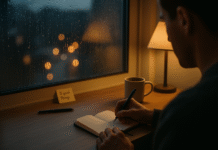









Smartphone night mode promises gentler light and better sleep by shifting screens warmer, darkening interfaces, and silencing notifications. But does it actually help? Short answer: it can reduce glare and distraction and may support better wind-down habits—yet by itself, the color shift does little for sleep if you keep brightness high or stay engaged with stimulating content. In this guide, “smartphone night mode” refers to three things most phones now bundle: (1) color temperature shifts (e.g., iOS Night Shift, Android Night Light), (2) dark mode UI themes, and (3) bedtime/Do Not Disturb features (e.g., iOS Sleep Focus). This isn’t medical advice; if you suspect a sleep disorder, consult a clinician. Below are nine evidence-based truths to help you decide where night mode is hype—and where it’s genuinely helpful.
1. Night Shift/Night Light alone rarely improves sleep—dimming and behavior matter more
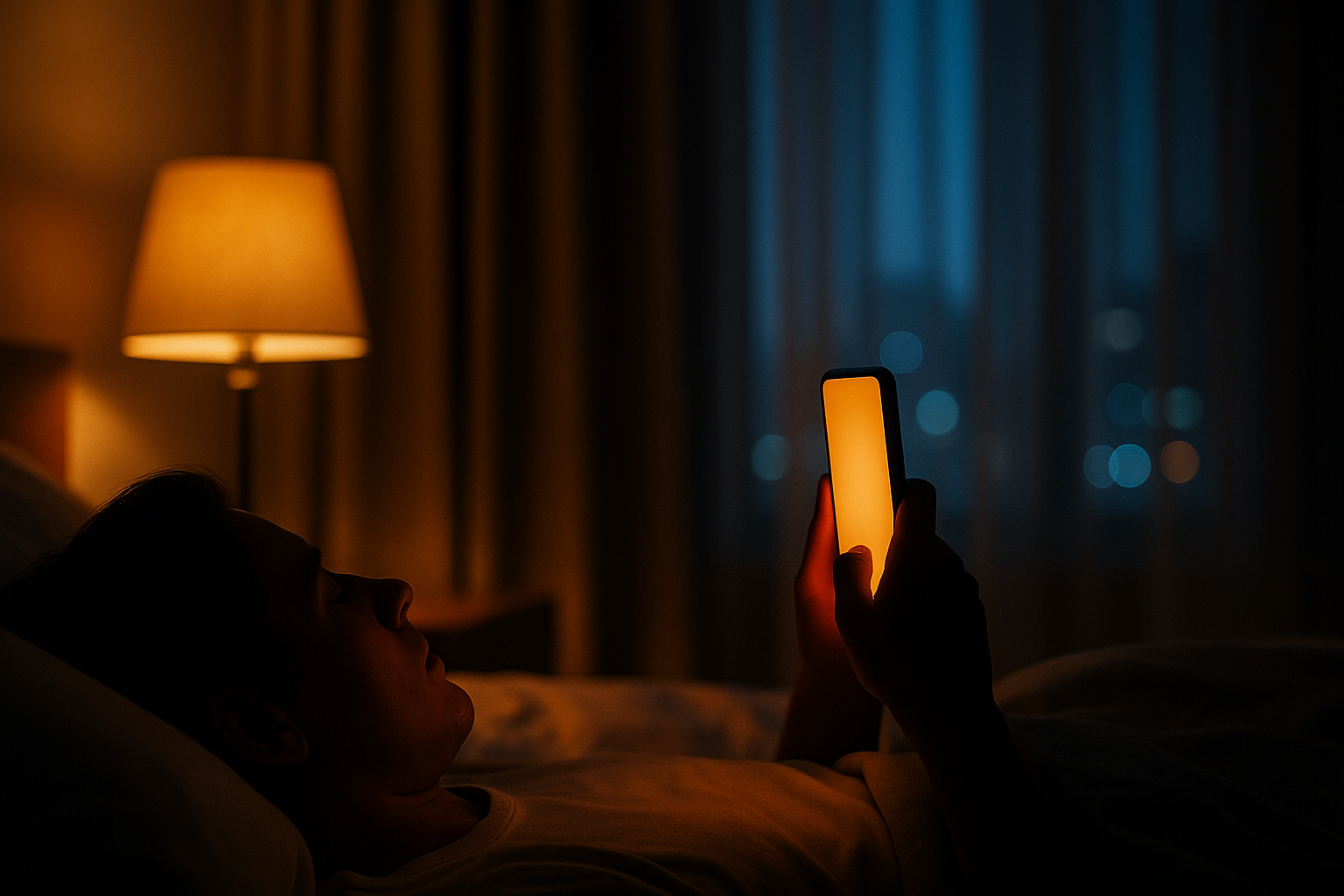
Color-shifting a display toward amber looks cozy, but on its own it often doesn’t move the needle on sleep. In a 2021 study of 167 college students, enabling iPhone Night Shift produced no measurable benefit on sleep versus regular screen use; completely avoiding the phone before bed did best. The takeaway: spectral tuning without behavior change isn’t enough. Similarly, lab work on Apple’s Night Shift found melatonin suppression was not significantly reduced when only the spectrum changed—brightness remained the bigger lever. In practice, warm tint can be part of wind-down, but don’t expect magic: late-night scrolling and bright screens still delay sleep. Use night mode as a cue to wrap up, not a license to keep swiping.
1.1 Why it matters
- The most consistent harms in studies come from evening light intensity and exposure duration, not merely color. Warm screens can feel less harsh yet still be bright enough to suppress melatonin or keep you mentally aroused.
1.2 Numbers & guardrails
- In the 2021 iPhone Night Shift study, Night Shift ≠ better sleep; abstaining from phones did.
- In controlled experiments, changing spectrum without dimming didn’t significantly reduce melatonin suppression.
Bottom line: Night mode color shifts can help comfort, but the big wins come from dimmer screens, shorter sessions, and calmer content.
2. Brightness and timing trump color: turn it way down and stop earlier
If you only change one thing, make it brightness and timing. Evening light exposure delays melatonin, prolongs sleep onset, and reduces next-morning alertness; the classic e-reader study showed backlit reading before bed delayed the circadian clock and reduced melatonin versus paper. That effect scales with how bright and how long the exposure is. Practically, this means lowering brightness dramatically at night, avoiding high-contrast white pages, and giving yourself a screen curfew—ideally the last hour before sleep reserved for non-stimulating tasks. The color shift helps a little with comfort, but intensity and duration drive sleep impact. PubMed
2.1 Mini checklist
- Drop brightness as low as comfortably legible; avoid auto-brightness surges under dark covers.
- Use timers or app limits to cap late scrolling.
- Switch tasks: passive, familiar content beats interactive, high-stakes engagement late at night.
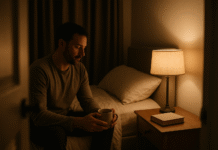
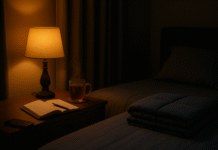
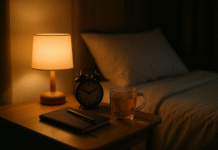
- Add ambient light (small lamp) to reduce the eye’s adaptation to a pitch-black room, which otherwise makes the phone feel blinding.
2.2 Why timing matters
- Later, brighter exposure pushes circadian timing later; earlier dimming helps the wind-down process.
Synthesis: Night mode is helpful once brightness is tamed and when you stop using your phone early enough to let sleep pressure build.
3. Dark mode reduces glare in dim rooms, but readability trade-offs are real
Dark mode can feel soothing at night by lowering perceived glare—especially in dim environments. Recent work suggests negative-polarity interfaces (light text on dark) can reduce visual fatigue in low light. But the larger HCI literature still finds a readability advantage for positive polarity (dark text on light), particularly for small fonts and extended reading. Translation: if you’re reading lots of text or tiny type, you may comprehend and proofread better in light mode; for quick glances in dark rooms, dark mode can be more comfortable and less visually disruptive. Choose based on ambient light and task type.
3.1 How to decide (fast)
- Dim room, brief checks: Dark mode to cut glare.
- Extended reading, small fonts: Light mode may aid clarity and speed.
- Compromise: Use dark mode but bump font size and line spacing.
3.2 Numbers & guardrails
- Studies in dim virtual environments show less visual fatigue with negative polarity; broader research notes better performance with positive polarity for fine reading tasks. Context rules.
Synthesis: Dark mode is helpful for comfort in the dark, but not automatically superior for long-form reading—match the mode to your environment and task.
4. At low brightness, OLED flicker (PWM) can bother some people—night mode won’t fix that
Many OLED phones dim using pulse-width modulation (PWM)—rapid on/off flicker. Most users don’t notice it, but flicker-sensitive people can experience eyestrain or headaches, especially at low brightness, i.e., the very setting you use at night. Research and standards groups (e.g., IEEE PAR1789) discuss flicker risks and frequency “guardrails.” Manufacturers are starting to respond: as of August 2025, Google’s Pixel 10 Pro adds an accessibility option that raises PWM frequency (to ~480 Hz) to ease discomfort—still below some rivals with higher-frequency PWM, but a sign of progress. Mitigations include raising brightness slightly, adding ambient light, or trying devices with higher-frequency PWM or DC dimming modes where available. Android Police
4.1 Mini-checklist for flicker sensitivity
- Avoid ultra-low brightness; add a small lamp and raise phone brightness a notch.
- Try high-PWM phones or models offering DC dimming.
- Reduce high-contrast motion (e.g., smooth scrolling) at night.
4.2 Why night mode isn’t the fix
- Color shifts don’t change the dimming method; PWM behavior is a hardware/driver characteristic.
Synthesis: If low-brightness flicker triggers symptoms, tweak the environment/device, not just the screen tint.
5. Blue-light glasses vs built-in night modes: expectations should be modest
You’ll see anecdotes about amber glasses transforming sleep. The highest-quality summary to date—Cochrane’s 2023 review of blue-light-filtering lenses—concluded they probably don’t reduce eye strain or improve sleep quality for most people (short-term). That said, small randomized trials in insomnia populations have found subjective sleep improvements with amber lenses, suggesting a niche benefit for select users. For the average person, the bigger levers remain dimming, earlier cut-offs, and behavioral wind-downs. If you try glasses, view them as optional add-ons, not a replacement for sleep hygiene.
5.1 Pros & cons
- Pros: May help insomnia cohorts; simple to try.
- Cons: Mixed evidence overall; not a substitute for reducing light and stimulation; possible discomfort.
5.2 Practical pairing
- Combine amber glasses with dim screens and short sessions if you’re experimenting—and track outcomes for two weeks.
Synthesis: Glasses can help some, but evidence favors behavior change over accessories.
6. “Sleep Focus” and Do Not Disturb reduce cognitive arousal—often more helpful than tint
One underrated pillar of “night mode” is notification control. Apple’s Sleep Focus and Android’s Bedtime/Do Not Disturb mute interruptions on a schedule, optionally starting a wind-down period 15 minutes to 3 hours before your target bedtime. This matters because late-night interruptions and interactive alerts raise arousal and tempt you back into stimulating loops, which undermines sleep even if the screen is warm. Research on cyber-leisure and bedtime procrastination shows next-day vitality and performance suffer when nighttime screen use erodes sleep; taming alerts addresses that mechanism directly.
6.1 How to set it up (official)
- iPhone: Health app → Sleep → schedule + Sleep Focus (wind-down options).
- Android/Pixel: Settings → Digital Wellbeing → Bedtime mode (grayscale, DND).
6.2 Mini-checklist
- Whitelist genuine emergencies; mute everything else.
- Start wind-down at least 60 minutes before bed.
- Use bedside analog cues (lamp, book) to avoid “just one more” loops.
Synthesis: If you can only enable one “night mode” feature, make it scheduled DND/Sleep Focus—that’s where real-world gains often start.
7. Content > color: interactive, novel, or stressful content keeps you awake
Not all screen time is equal. Passive, familiar content can be less disruptive than interactive or emotionally charged media late at night. Some recent reporting highlights individual differences: for certain people, winding down with low-stakes viewing feels sedating; for others, it’s the gateway to doomscrolling. Population studies still show bedtime device use correlates with shorter sleep and daytime sleepiness—largely via displacement and arousal. Use night mode as a context switch: when it kicks in, pivot to calming, time-boxed content—or power down. Wall Street JournalScienceDirect
7.1 Guardrails to avoid “one more swipe”
- Set an app timer for your most tempting apps after 9–10 pm.
- Switch to passive, familiar shows or offline reading if you must use a screen.
- Enable grayscale at bedtime to reduce reward salience.
7.2 Mini case
- Many users sleep better by pairing Night Light + Sleep Focus + 30-minute cap on social apps—less stimulation beats warmer color alone. (Use your phone’s Screen Time/Digital Wellbeing.)
Synthesis: Night mode helps when it changes behavior—curate content, cap time, and let cues trigger shutdown.
8. For kids and teens, night mode is not enough: curate, schedule, remove devices from bedrooms
Youth studies consistently link bedtime media to delayed sleep and less total sleep. Pediatric groups recommend devices out of bedrooms, consistent routines, and avoiding screens an hour before bed—especially for younger children. Night mode can soften glare, but it doesn’t address notifications, FOMO, or displacement. Parents should create family media plans, use bedtime modes, and model device curfews. Treat night mode as a supporting tool inside a broader routine.
8.1 Family checklist
- Bedroom-free policy for phones/tablets.
- One-hour screen curfew before lights out.
- Bedtime schedules synced across school nights.
- Use platform tools (Sleep Focus/Bedtime mode) to enforce consistency.
8.2 Why routines win
- The structure (predictable timing, fewer interruptions) protects sleep even when homework or messaging ramp up.
Synthesis: For young people, environment and rules beat display tint—night mode is useful, not sufficient.
9. A practical setup that actually works (iOS & Android)
If you want real benefits, combine low brightness, warm tint, dark mode (when appropriate), and scheduled DND—plus a content cutoff. Here’s a tested blueprint.
9.1 iPhone (iOS)
- Night Shift: Settings → Display & Brightness → Night Shift → schedule Sunset to Sunrise (or custom) and push Color Temperature slider warmer.
- Sleep Focus: Health app → Sleep → set bedtime/wake + Wind Down (15–180 minutes). Allow calls from favorites only.
- Dark Mode & Fonts: Use dark mode in dim rooms; increase text size for clarity if reading long-form.
9.2 Android (Pixel as example)
- Night Light: Settings → Display → Night Light → Schedule (custom or sunset-to-sunrise).
- Bedtime mode (Digital Wellbeing): Grayscale + DND on schedule; auto-limit notifications overnight.
- Dark theme: Use in dim rooms; increase font/contrast for prolonged reading.
9.3 Universal guardrails
- Brightness: Set as low as comfortably legible; add a small lamp instead of driving brightness to zero (reduces optical strain and PWM exposure risk).
- Cutoff: Create a hard stop 60 minutes before lights out; cue with a recurring reminder.
- PWM sensitivity (as of Aug 2025): If sensitive, test devices with higher PWM frequencies (e.g., Pixel 10 Pro’s new accessibility option) or DC dimming settings.
Synthesis: The sleep-friendly stack is dim + brief + quiet + warm. Night mode is the assist, not the anchor.
FAQs
1) Is “smartphone night mode” the same as dark mode?
Not exactly. Night mode typically refers to color-temperature shifts (amber tint) and sometimes includes bedtime/DND automations; dark mode changes app backgrounds to black/dark gray. Use both: warm tint for comfort, dark mode for glare reduction in dim rooms, and DND to cut interruptions.
2) Does night mode fix blue light’s impact on melatonin?
Not fully. Spectrum matters, but studies show Night Shift alone didn’t improve sleep outcomes versus normal use, and spectrum-only changes may be insufficient to prevent melatonin suppression without dimming or shorter exposure.
3) What single change helps most for sleep?
Lower brightness and stop earlier. Experimental work shows evening light intensity and duration delay circadian timing and suppress melatonin; scheduling a screen curfew plus dimming are high-yield steps.
4) Is dark mode better for my eyes?
It depends. In dim rooms, dark mode can reduce glare and reported fatigue; for long-form reading and small fonts, light mode often yields better readability. Match the mode to your lighting and task.
5) I get headaches at very low brightness. Could PWM flicker be why?
Possibly. Many OLED phones dim via PWM, which some users feel as flicker—especially at low brightness. Newer phones are raising PWM frequencies (e.g., Pixel 10 Pro, as of Aug 2025), but sensitivity varies. Add ambient light and avoid ultra-low brightness.
6) Do blue-light glasses help me sleep better?
Evidence is mixed. A 2023 Cochrane review found little to no benefit for most users; however, small trials in insomnia groups reported improvements. Consider them optional; prioritize dimming, timing, and notification control first. PMC
7) What about kids—should I just turn on night mode?
Turn it on, but don’t stop there. For youth, the strongest guidance is no devices in bedrooms, consistent routines, and avoiding screens in the hour before bed. Use bedtime modes to enforce quiet time.
8) Can night mode save battery?
Dark mode can save battery on OLED displays, but savings vary with brightness and content; sometimes the difference is small. Don’t enable it only for battery, but it’s a nice side benefit at night. Purdue University
9) What if I must read long PDFs at night?
Use light mode with low brightness, or dark mode but increase font/zoom, line spacing, and contrast. Add a small bedside light to reduce perceived glare. The goal is comfortable legibility with minimal intensity.
10) Are phones dangerous to eyes because of blue light?
Major ophthalmology groups say screen-level blue light doesn’t cause eye disease. Discomfort is more about prolonged near work, dryness, and brightness. For comfort, take breaks, blink more, and manage lighting; for sleep, focus on timing and dimming. American Academy of Ophthalmology
Conclusion
“Smartphone night mode” is helpful when used as part of a broader wind-down system—dim light, shorter sessions, quieter notifications, calmer content. The color shift alone is largely hype for sleep outcomes, but it can make screens feel less harsh and serve as a behavioral cue to slow down. The biggest sleep levers remain how bright, how long, and how stimulating your phone use is at night. For many, the best setup (as of August 2025) is: Night Shift/Night Light scheduled to sunset-to-sunrise, dark mode in dim rooms with font tweaks, Sleep Focus/Bedtime modes to silence alerts, and a 60-minute cutoff before lights out. If you’re flicker-sensitive, pay attention to PWM behavior and add ambient light rather than dimming your phone to the absolute minimum. Start small: tonight, pick a cutoff time, lower brightness, enable Sleep Focus, and let the warm tint remind you to close the loop.
CTA: Tonight, set a 60-minute screen cutoff—then enable Night Shift/Night Light and Sleep Focus to make it stick.
References
- Duraccio KM, Zaugg KK, Blackburn RC, Jensen CD. Does iPhone Night Shift mitigate negative effects of smartphone use on sleep outcomes in emerging adults? Sleep Health. Aug 2021. https://www.sleephealthjournal.org/article/S2352-7218(21)00060-7/abstract Sleep Health Journal
- Nagare R, Plitnick B, Figueiro MG. Does the iPad Night Shift mode reduce melatonin suppression? Lighting Research & Technology. 2019. PubMed
- Chang A-M, et al. Evening use of light-emitting eReaders negatively affects sleep, circadian timing, and next-morning alertness. PNAS. Jan 2015. PNAS
- Fan Q, et al. The Effect of Ambient Illumination and Text Color on Visual Fatigue and Visual Acuity. 2024. PMC
- Nielsen Norman Group. Dark Mode vs. Light Mode. 2019. Nielsen Norman Group
- Kim M, et al. Assessment of the effect on the human body of the flicker from an OLED smartphone according to IEEE PAR1789. Journal of Information Display. 2021. Taylor & Francis Online
- Android Central. The Pixel 10 Pro display tries to solve OLED’s biggest problem (PWM dimming). Aug 2025. Android Central
- Apple Support. Use Night Shift on your iPhone. Apr 2024. Apple Support
- Google Support. Change your screen color at night on a Pixel phone. Accessed Aug 2025. Google Help
- Apple Support. Set up a Sleep Focus schedule in Health on iPhone. Accessed Aug 2025. Apple Support
- Cochrane Review. Blue-light filtering spectacle lenses for visual performance, sleep, and macular health in adults. Aug 2023. Cochrane Library
- Baylor University (Keller Center). How Screen Time Affects Sleep and Work Performance. Sep 2022. Keller Center
- American Academy of Pediatrics. Screen Time Affecting Sleep. Oct 2023. American Academy of Pediatrics
- Hale L, et al. Youth screen media habits and sleep. Child Adolesc Psychiatr Clin N Am. 2018. PMC
- Apple Support. Shift to warmer colors on your Mac. Accessed Aug 2025. Apple Support