




























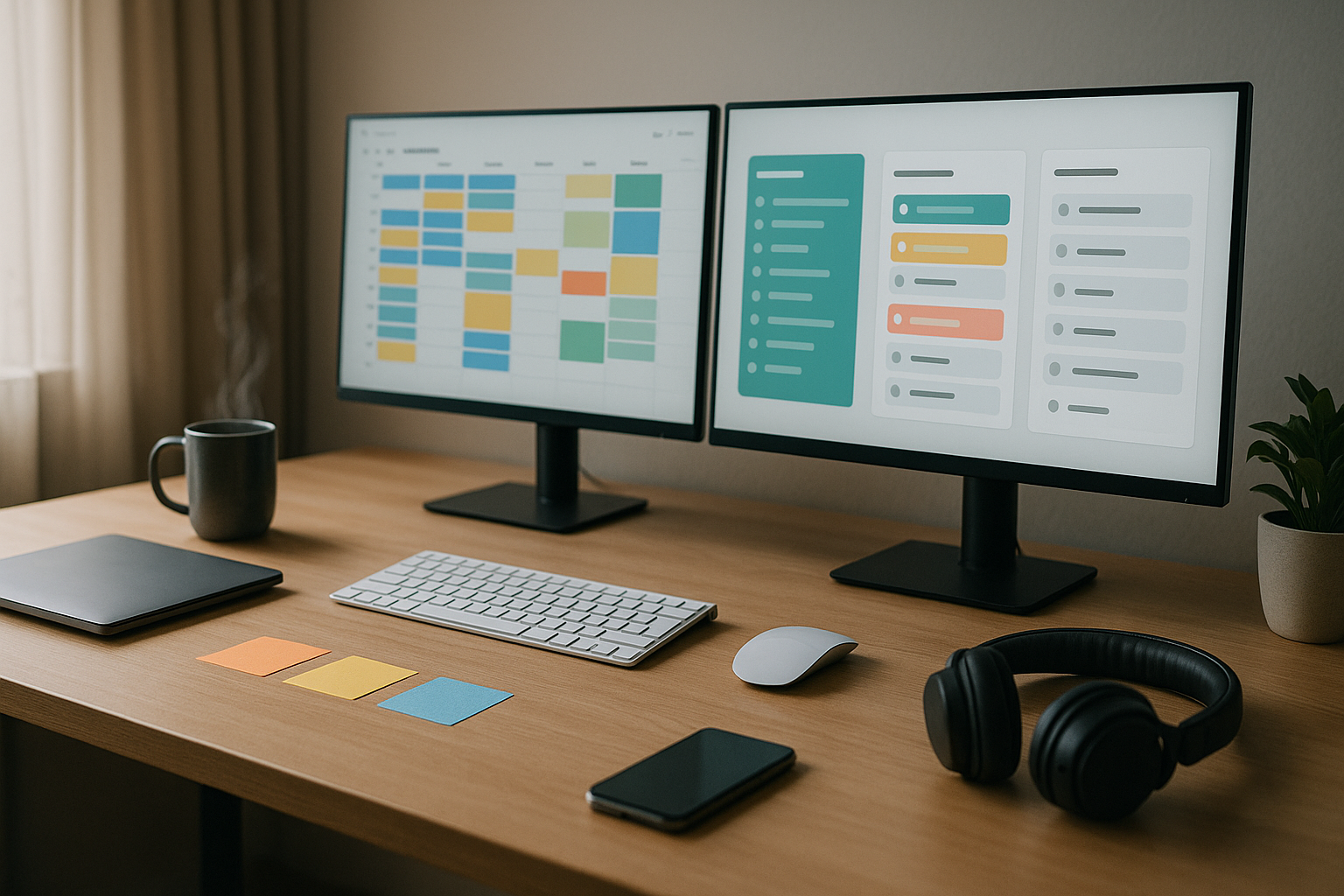
Task batching is the practice of grouping similar tasks and tackling them in dedicated blocks to reduce context switching and preserve mental energy. In plain terms: do like with like, on purpose, at set times. When you stop bouncing between dissimilar tasks, you keep more cognitive “state” loaded, make fewer errors, and work faster with less fatigue. Research on multitasking shows that switching imposes measurable “switch costs” and attention residue—your mind lingers on the previous task—which drags on performance.
Quick start: list your most common categories (email, messaging, meetings, analysis, creative), assign each 1–3 time blocks per day or week, prepare inputs before the block, and defend the boundaries with status settings.
1. Calendar Batching: Time-Block Your Week by Work Type
Calendar batching means you reserve recurring blocks on your calendar for specific categories (e.g., email, writing, analysis, admin). It works because time-blocking creates a visible plan and forces trade-offs: if writing lives 9:30–11:30, you don’t accept a 10:15 call unless it truly matters. The first payoff is cognitive: fewer context shifts and less “attention residue.” The second is logistical: colleagues learn when you’re reachable and when you’re in focus time. The third is emotional: clearer boundaries reduce decision fatigue about what to do next. As a backbone, calendar batching turns your week from reactive to rhythmic, giving similar tasks a shared home and cadence.
1.1 Why it matters
- Less context switching and easier task resumption.
- Predictable collaboration windows; fewer surprise pings derail focus.
- Better energy pacing: you can slot heavy cognitive work when you’re sharp.
1.2 How to do it
- Map 4–6 categories you do repeatedly (e.g., support tickets, code reviews, design, finance, comms).
- Assign recurring blocks (90–120 minutes works for most; add 10–15 minute buffers).
- Use labels/colors so “like with like” is obvious at a glance.
- Add inputs to events (links, briefs, checklists) to start fast.
- Set status/DND during focus blocks to deter interruptions.
Mini example: Monday AM 9:30–11:30 “Writing”; Mon/Wed 2:00–3:00 “Email & approvals”; Tue/Thu 10:00–12:00 “Analysis/SQL”; Fri 1:00–2:30 “Admin & expenses.”
Bottom line: when your calendar reflects your categories, batching becomes automatic and self-reinforcing.
2. Email Batching: Check at Set Times, Not All the Time
Email batching means processing mail in scheduled windows instead of grazing all day. The direct benefit is fewer context shifts—email pulls you into scarce, high-friction micro-tasks (read, decide, draft) that fracture attention. Processing in batches lets you work from an empty inbox more quickly and with higher quality decisions. Psychology literature shows that switches—even brief—accumulate into meaningful time loss and attention drag, which is exactly what grazing on email produces.
2.1 Numbers & guardrails
- Windows: 2–4 per day (e.g., 10:30, 1:30, 4:30).
- Timebox: 20–40 minutes per window; stop when time is up.
- Targets: reply/triage 80–90% in-window; defer the rest with a task.
- Rules/filters: auto-sort newsletters and CCs; star or label action-needed.
2.2 How to do it
- Disable push notifications; fetch mail manually or on schedule.
- Use triage verbs: delete, delegate, do (≤2 minutes), defer (task with due date).
- Keep reply templates (e.g., TextExpander, Gmail templates) for FAQs.
- Maintain “Same-day replies” as a policy for key stakeholders only.
Mini example: Two 30-minute windows + one 15-minute sweep at day’s end routinely beats 35 scattered checks.
Bottom line: treat email as a queue you clear on your terms, not a slot machine you pull.
3. Message Batching: Create Chat Windows and Quiet Hours
Messaging apps (Slack, Teams, WhatsApp) are context-switch magnets. Batching them into fixed windows reduces “always-on” stress while keeping you responsive. Most questions don’t need 60-second answers; they need a reliable when. Establish 2–5 reply windows per day, post your hours in your profile/status, and mute outside those windows. Done consistently, teams adapt, and your focus blocks stay intact. Large-scale workplace research continues to show workers feel overwhelmed by nonstop digital comms, and reducing interruptions is core to sustainable productivity. MicrosoftFinancial Times
3.1 How to do it
- Publish chat windows (e.g., 11:30–12:00, 3:30–4:00).
- Use channel norms: “reply by next window,” thread questions, use emojis for triage.
- Turn on DND during deep-work blocks; let priority contacts bypass if essential.
- Batch outgoing questions—send one consolidated message instead of five drips.
3.2 Mini-checklist
- Status shows next window
- Mentions summarized
- Threads resolved or ticketed
- Issues escalated via agreed path
Bottom line: responsiveness is about predictability, not perpetual availability.
4. Meeting Batching and “No-Meeting” Blocks
Clustering meetings into set days or afternoons prevents them from puncturing every morning and afternoon. If meetings scatter across the week, your calendar becomes Swiss cheese and deep work evaporates. Batching compresses the collaboration cost and protects long, meeting-free stretches. Evidence from organizational studies indicates fewer meeting hours and designated meeting-free days correlate with higher perceived productivity, autonomy, and lower stress. Consider testing one no-meeting day each week or batching meetings into 2–3 afternoons.
4.1 How to do it
- Pick 1–2 meeting-heavy zones (e.g., Mon/Wed 1–5 PM).
- Guard at least one meeting-free day (or half-day) for deep work.
- Use strict agendas and 25/50-minute defaults to leave buffer.
- Convert status updates to async docs/loom videos; reserve live time for decisions.
4.2 Mini case
A 20-person team moved recurring 1:1s and standups to Tue/Thu afternoons and declared Wednesday meeting-free. Within three weeks, they reported clearer priorities and faster project velocity as focused work reclaimed mornings.
Bottom line: batch the unavoidable so you can protect the non-negotiable: long focus blocks.
5. Energy-Matching Batches to Your Chronotype
Not all hours are created equal. Align heavy cognitive batches (strategy, analysis, writing) to your peak alertness window and lighter batches (admin, email) to troughs. Chronotype research shows morning types often peak earlier, evening types later; the key is syncing task difficulty to your personal rhythm rather than fighting it. For many people, two high-quality 90–120-minute peaks exist per day; build your batching around those.
5.1 Numbers & guardrails
- Peak blocks: schedule your hardest batch in your first peak (often 1–3 hours after fully waking).
- Trough blocks: place admin, email, errands during the post-lunch dip.
- Evening types: shift peaks later; keep consistent sleep to avoid social jetlag.
5.2 Tools/Examples
- Use a 2-week energy log (1–5 rating each hour) to locate peaks.
- Adjust by 30–60 minutes per week if you’re shifting earlier/later.
- If you lead a team, share “focus/availability” windows to reduce accidental peak-time pings.
Bottom line: batch by difficulty × biology, and you’ll conserve energy while doing better work.
6. Admin & Micro-Task Batching: Clean Up in One Sweep
Administrative tasks (approvals, expenses, forms, LMS modules, benefits, invoices) are tiny on their own but energy-hungry in aggregate because they demand frequent context flips. Batching them into one or two weekly “ops hours” lets you build momentum and finish without sprinkling them across every day. The trick is to collect micro-tasks into a single queue and process them assembly-line style with templates and checklists. This turns nagging chores into a predictable rhythm instead of background noise.
6.1 How to do it
- Keep a running “Admin” list all week; add links and files as they arise.
- Set one 60–90 minute weekly block (e.g., Friday 1:30–3:00) to process the entire queue.
- Use templates for frequent responses (HR forms, vendor emails).
- Group similar approvals (e.g., sign 10 PDFs back-to-back with a signing tool).
- Close with a sweep: calendar updates, desk reset, task list rollover.
6.2 Mini example
Processing 18 micro-tasks individually across 5 days might cost 18×4 minutes of switching overhead plus 18×3 minutes of execution—well over 2 hours. One focused 75-minute admin batch typically beats that.
Bottom line: make the trivial predictable and you’ll free prime time for real work.
7. Errand and Field Batching (Route, Timing, and Prep)
Out-of-office chores—bank, post office, pharmacy, printing, site visits—benefit hugely from batching. Travel itself is a context switch, so combine destinations by area and time of day. Plan routes to avoid peak traffic, preload documents, and carry a small “field kit” (IDs, forms, labels, tape measure, portable battery). For teams handling site work, a standardized pre-flight checklist and shared map reduce surprises and wasted trips.
7.1 Region-savvy tips
- Batch errands by neighborhood; group delivery/pickups in one loop.
- Schedule during mid-morning or mid-afternoon to dodge rush hours.
- Hold a weekly errand window (e.g., Thursday 3–5 PM).
- Keep a shared packing list for equipment and consumables.
7.2 Mini-checklist
- Addresses and opening hours verified
- Documents pre-filled and signed
- Bags staged by stop order
- Parking/payment apps loaded
- Receipts captured in one folder
Bottom line: one well-planned run beats four fractured trips and preserves your best hours for thinking work.
8. Content Creation Pipelines: Batch Research, Drafting, and Editing
Creative work also benefits from batching—just at different stages. Separate research, drafting, and editing into distinct sessions (and days) so each mode can run at full speed. For example, gather sources and outlines on Monday, draft on Tuesday, edit and publish on Wednesday. The gains come from staying in one creative “gear” long enough to build momentum while minimizing internal mode switches (creator vs. editor).
8.1 How to do it
- Build a content Kanban with stages: Ideas → Brief → Draft → Edit → Publish.
- Batch research: collect 10–15 sources in one sitting; annotate in a single note/app.
- Batch drafting: write 2–3 first drafts back-to-back; don’t edit mid-flow.
- Batch editing: polish multiple pieces in a single pass (headlines, links, alt text).
- Use templates for briefs, outlines, and checklists to reduce startup time.
8.2 Mini example
A newsletter writer drafts three short editions in a 2-hour block on Tuesday, edits them in a 75-minute block Wednesday, and schedules publication. Output rises while stress falls.
Bottom line: treating creative work as a pipeline unlocks a smoother tempo and higher quality with less exhaustion.
9. Automation, Templates, and SOPs: Multiply Each Batch
Batching scales when you reduce per-item variance. Standard operating procedures (SOPs), macros, text expansions, and no-code automations make each run faster and more consistent. Think: auto-file receipts from email to a finance folder, pre-fill invoice numbers, or turn a form submission into a Trello/Asana task with assignee and due date. The more uniform your inputs, the more your batch feels like production—not reinvention.
9.1 Tools/Examples
- TextExpander / aText / native templates for repeated emails and DM replies.
- Zapier/Make to move data across apps (form → spreadsheet → task).
- Auto-rules in email to triage newsletters, CCs, and system alerts.
- Spreadsheet scripts to clean data (dates, currencies) in one go.
9.2 Numbers & guardrails
- Start with one automation per week; measure saved clicks/minutes.
- Document each SOP in ≤1 page: trigger, steps, owner, rollback.
- Review quarterly to prune stale automations.
Bottom line: systemize your batches and your time turns compounding.
10. Tool and Environment Batching: One Setup per Mode
Switching not just tasks but environments (apps, tabs, notifications) drains energy. Create dedicated setups for each batch so your workspace boots into the right context. Example: a “Writing” desktop with notes, style guide, and citations; a “Data” desktop with SQL client, BI tool, and dataset; a “Comms” desktop with email/chat. Use separate browser profiles for roles (client vs. internal) to keep accounts and tabs clean.
10.1 How to do it
- Pre-open the exact tabs and apps needed for the batch; save as a workspace.
- Hide irrelevant docks/sidebars; silence notifications except critical alerts.
- Use launchers (keyboard palettes, bookmarks) to spin up a context in seconds.
- Pair with website blockers during deep work to avoid stray clicks.
10.2 Mini example
Instead of assembling tools every time you analyze data, click one workspace. You’ve shaved 5–10 minutes of setup per session and reduced the micro-decisions that sap willpower.
Bottom line: when setup is one click, starting is easy and drifting is hard.
11. Data/Reporting Batches: Close the Loop at Once
Recurring reporting (dashboards, KPIs, reconciliations) thrives on batching. Pull all inputs at once, run checks, produce the outputs, and publish in a single window. This avoids slow leaks of attention across the week and reduces “half-updated” dashboards that invite misreads. If you need stakeholders’ feedback, create a predictable cadence (e.g., Tuesday 10 AM cut, 3 PM review, 4 PM publish) so everyone plans around the batch.
11.1 How to do it
- Maintain a pre-flight checklist (data freshness, filters, date ranges).
- Stage saved queries/notebooks so one click refreshes your core metrics.
- Snapshot the results (PDF/image) for audit trail and change tracking.
- Publish via one channel with a clear subject/tag and owner.
11.2 Mini example
A finance analyst batches weekly cash-flow: pulls bank feeds, reconciles invoices, refreshes a dashboard, and sends a one-page brief. The whole loop takes 75 minutes instead of dripping across three afternoons.
Bottom line: consolidate the data journey so the story you tell is current, coherent, and trusted.
12. Weekly Review & Iteration: Tune Your Batches Like a System
Batching isn’t “set and forget.” A short weekly review keeps it aligned with reality. Look at what you shipped, where batches slipped, which ones felt over/under-sized, and what interruptions kept sneaking in. Then adjust: move a block, lengthen/shorten a window, add a template, or declare a no-meeting half-day. This is how you compound gains—by treating your schedule like a product with weekly release notes.
12.1 How to do it
- Friday 30–45 min: wins shipped, blocks honored, blocks violated, root causes.
- Update next week’s calendar: move/resize batches, add buffers.
- Add one improvement (template, automation, checklist) per week.
- Review inputs: Are the queues clear? Any new categories emerging?
12.2 Mini-checklist
- Two protected deep-work blocks scheduled
- Chat/email windows posted
- Meeting clusters tight and necessary
- One experiment planned (e.g., 90→120-minute focus block)
Bottom line: iteration turns a good batching setup into a great one over a month or two.
FAQs
1) What is task batching, in one sentence?
Task batching is grouping similar tasks and doing them in focused blocks to reduce context switching and preserve mental energy. It’s essentially time-blocking by category, not just by project, so each block feels consistent and efficient.
2) How is batching different from time blocking?
Time blocking is the container; batching is what you put inside. You can block time without grouping similar tasks (which invites switching), while batching ensures each block contains like-for-like work. Most people get the best results by combining both.
3) How long should a batch be?
For cognitively demanding work, 90–120 minutes is a sweet spot for many people; lighter batches (email/admin) often fit in 20–45 minutes. Start small and lengthen if you end blocks with momentum. Always add 5–15 minute buffers to transition and document.
4) Does batching make me less responsive?
It makes you predictably responsive. Posting your chat/email windows gives colleagues clear expectations, and true emergencies can be escalated through agreed paths. Organizations that reduce scattered meetings and interruptions often report higher productivity and lower stress.
5) What evidence supports batching and fewer switches?
Cognitive psychology and HCI research show that task-switching and interruptions degrade performance and create attention residue. Studies highlight measurable switch costs and significant time to resume after interruptions. The gist: fewer switches = better outcomes.
6) How do I choose categories for batching?
Audit a typical week and cluster recurring work: communication, planning, analysis, creative, admin, errands. If a category appears daily and requires similar tools/skills, it’s a good batch. Keep 4–6 core categories to avoid over-segmentation.
7) What if my role is support or client-facing?
You still batch—just with more frequent windows. For example, 4–6 short response windows per day, plus one extended deep-work block. Publish escalation rules for urgent requests and route non-urgent items into your next window. This preserves focus without delaying service.
8) Should I use Pomodoro with batching?
Yes. Within a batch, Pomodoro (e.g., 25/5 or 50/10) gives micro-structure and breaks. It’s especially helpful for starting hard tasks or maintaining pace in long blocks. Many people prefer 50/10 for deep work; experiment.
9) How do I get my team to adopt batching?
Pilot for two weeks: define team-wide chat windows, cluster recurring meetings, and protect one meeting-free half-day. Share outcomes (velocity, fewer reworks) and iterate. Use team agreements and shared calendars so expectations are visible.
10) What metrics prove it’s working?
Track shipped outputs (PRs merged, briefs published), time in focus blocks vs. meetings, average response times within windows, and subjective energy (1–5). If outputs rise and energy stabilizes while response times remain predictable, your batching is paying off.
11) Can AI help with batching?
Yes—use AI to summarize threads before your communication window, draft replies, or build SOPs/templates. The main benefit is reducing per-item time within a batch so you clear the queue faster. Guardrails still matter: review before sending.
12) Will batching work if my day is chaotic?
Start with just one protected 60–90 minute block and two short comms windows. Even modest structure creates momentum. As your queue steadies, add a meeting-free half-day and an admin batch. The goal is progress, not perfection.
Conclusion
If your day feels scattered, it’s probably not your willpower—it’s your workflow. Task batching gives your brain fewer gears to grind and a clearer runway to take off. By grouping similar tasks into recurring blocks, you dramatically reduce the friction of starting, the fatigue of switching, and the waste of partial progress. The strategies here scale: from simple email windows and admin sweeps, to meeting clusters, to sophisticated pipelines and automations. Start with the categories you repeat most, schedule them where your energy peaks, and publish predictable windows for others. Then review weekly and make one improvement at a time. Within a month, your calendar will look calmer, your output will climb, and work will feel less like whiplash and more like flow.
Try it this week: protect two deep-work blocks, set two email windows, and run one admin batch—then keep what works.
References
- The Cost of Interrupted Work: More Speed and Stress, Mark, Gudith, Klocke; CHI Proceedings, 2008. UCI Bren School of ICS
- Multitasking: Switching Costs, American Psychological Association, accessed 2025. American Psychological Association
- Executive Control of Cognitive Processes in Task Switching, Rubinstein, Meyer, Evans; Journal of Experimental Psychology: Human Perception and Performance, 2001. American Psychological Association
- Why Is It So Hard to Do My Work? The Challenge of Attention Residue When Switching Between Work Tasks, Sophie Leroy; Organizational Behavior and Human Decision Processes, 2009. ScienceDirect
- The Surprising Impact of Meeting-Free Days, MIT Sloan Management Review, 2022. MIT Sloan Management Review
- Work Trend Index Hub, Microsoft WorkLab (selected 2023–2025 reports). Microsoft
- Focused, Aroused, but so Distractible: A Temporal Perspective on Multitasking and Interruptions, Mark et al., Microsoft Research, 2014 (paper PDF). Microsoft
- Will AI Fix Work? 2023 Work Trend Index, Microsoft, May 9, 2023. Microsoft
- On Workdays, Earlier Sleep for Morningness and Later Wake-Up for Eveningness May Improve Work Productivity, Sleep Medicine, 2022. ScienceDirect
- Chronotype, Circadian Rhythm, and Psychiatric Disorders (review), Frontiers in Neuroscience, 2022. PMC
- The Pomodoro® Technique (official site), Francesco Cirillo, accessed 2025. pomodorotechnique.com
- Days Without Meetings – A Way to Be Productive (Working Paper PDF), University of Reading (Laker et al.), 2022. CentAUR